
Tower Schematics
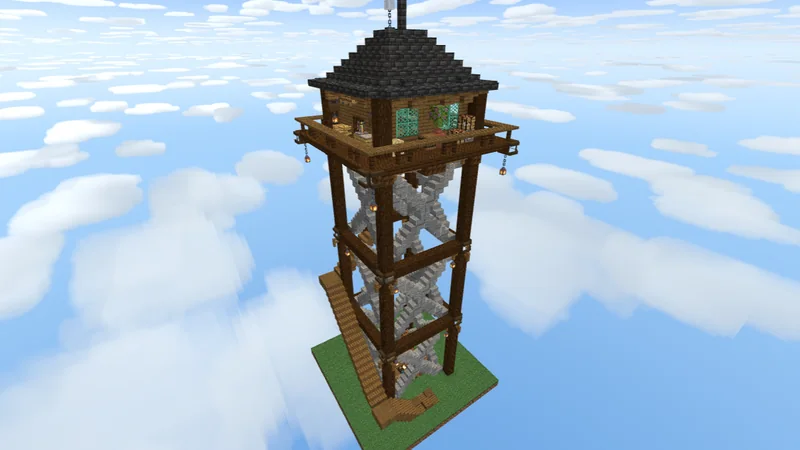
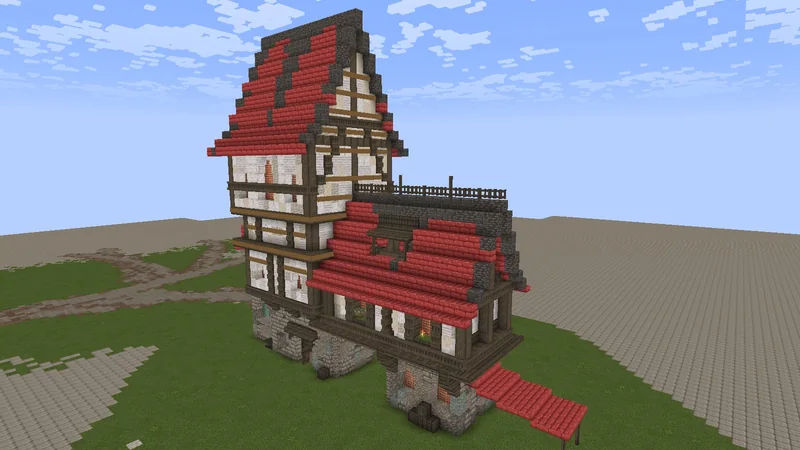
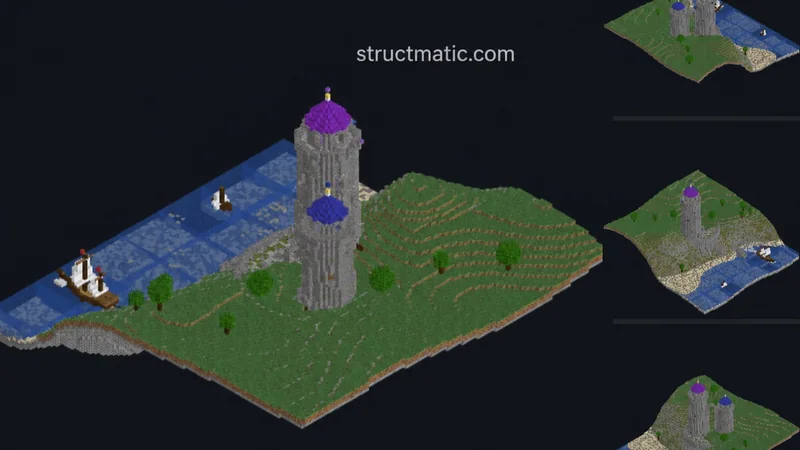
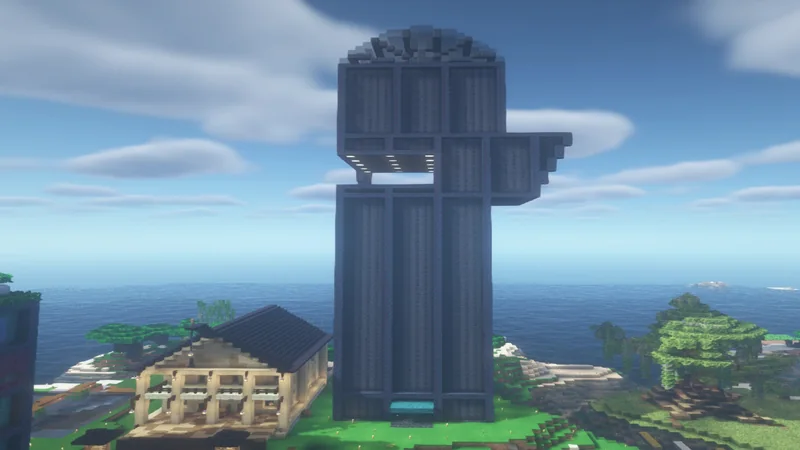
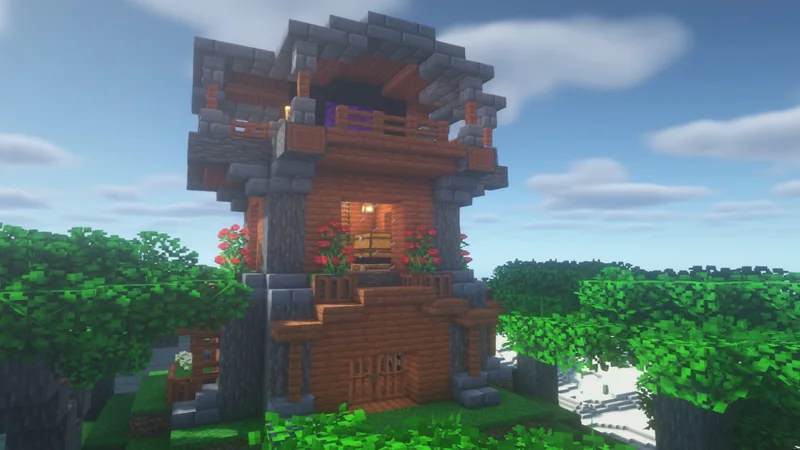
Download free tower schematics for Minecraft, from lookout towers to wizard towers and medieval tower houses. Preview each tower in 3D, compare its height and materials, then build it with Litematica or paste it with WorldEdit.
7 schematics

- Views
- 531
- Downloads
- 232
- Likes

- Views
- 108
- Downloads
- 15
- Likes
- Views
- 1.5K
- Downloads
- 918
- Likes
- Views
- 1.8K
- Downloads
- 759
- Likes
Ad
- Views
- 583
- Downloads
- 58
- Likes
- Views
- 5.3K
- Downloads
- 474
- Likes
- Views
- 3.1K
- Downloads
- 256
- Likes
About Tower Schematics
Towers fit a lot of building into a small footprint, which makes them a good choice for tight plots, mountain tops or the corners of a castle wall. Common styles include stone lookout towers, wizard towers with tall pointed roofs and tower houses with a room on each floor.
The tricky parts are the stairs and the roof. Spiral staircases have to fit inside the walls, and conical roofs are shaped from stairs and slabs that change at every level. Litematica's layer view shows each level separately, so you can build the tower floor by floor without losing your place.
Tall builds are more likely to be hit by lightning during thunderstorms, which can set wooden roofs alight. A lightning rod on top redirects strikes that land nearby and stops them starting fires.
- Build a lookout tower over your base
- Add a wizard tower to a fantasy world
- Fit a home onto a small plot
- Add corner towers to castle walls
- Build a landmark that is visible from afar
Frequently asked questions
How do I build a tower from a schematic?
Load the .litematic file in Litematica and use the layer view to build one level at a time. This keeps the spiral stairs and the roof shape accurate as the tower gets taller.
How do I protect a wooden tower roof from lightning?
Place a lightning rod at the top. It attracts lightning that strikes nearby and stops it from setting fire to the blocks around it.
Are these towers furnished inside?
Some have furnished floors and some are shells. Use the 3D preview to look inside and read the creator's notes before you download.