
Treehouse Schematics
Download free treehouse schematics for Minecraft: homes built into and around custom trees. Preview each treehouse in 3D, check the materials list, then build it with Litematica or paste it with WorldEdit.
2 schematics
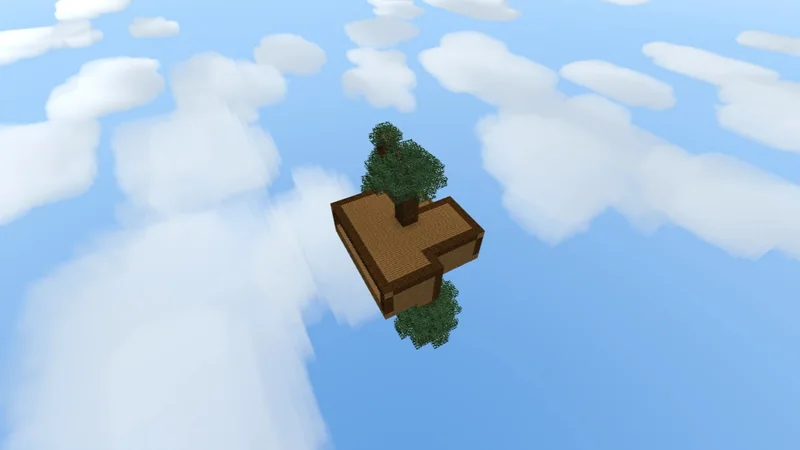
- Views
- 275
- Downloads
- 41
- Likes
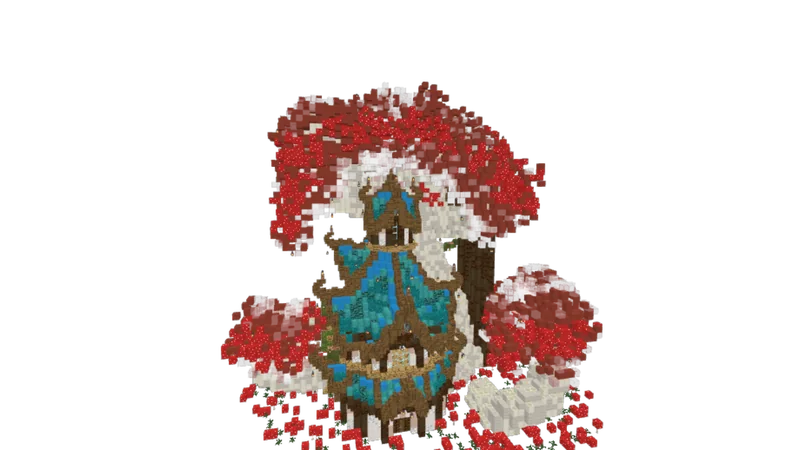
- Views
- 6K
- Downloads
- 1.5K
- Likes
About Treehouse Schematics
A treehouse sits in the canopy of a large tree, usually a custom-built one, with platforms, ladders or stairs and sometimes bridges between trees. Most schematics include the tree itself, built from logs and leaves, so you do not need to find a suitable tree in your world first.
Check the materials list for the number of leaves: in survival you collect leaf blocks with shears or Silk Touch. Leaves you place yourself never decay, so a hand-built canopy stays in place. Wood is flammable, so keep lava and fire well away from the build.
- Build a home in a jungle or forest
- Make an elven or fantasy village
- Get a raised base with a view
- Add a custom tree to your world
- Build a hideout above the ground
Frequently asked questions
Do treehouse schematics include the tree?
Usually yes: the trunk and leaves are part of the schematic. The 3D preview shows exactly what is included.
How do I collect leaves for a treehouse in survival?
Break leaves with shears or a Silk Touch tool to collect them as blocks. Leaves that you place yourself never decay, so the canopy stays after you build it.
Can I build a treehouse in survival?
Yes. Load the .litematic file in Litematica, gather the blocks on the materials list and build upwards one layer at a time. Scaffolding makes it easier to reach the higher levels.