
Ad
Description
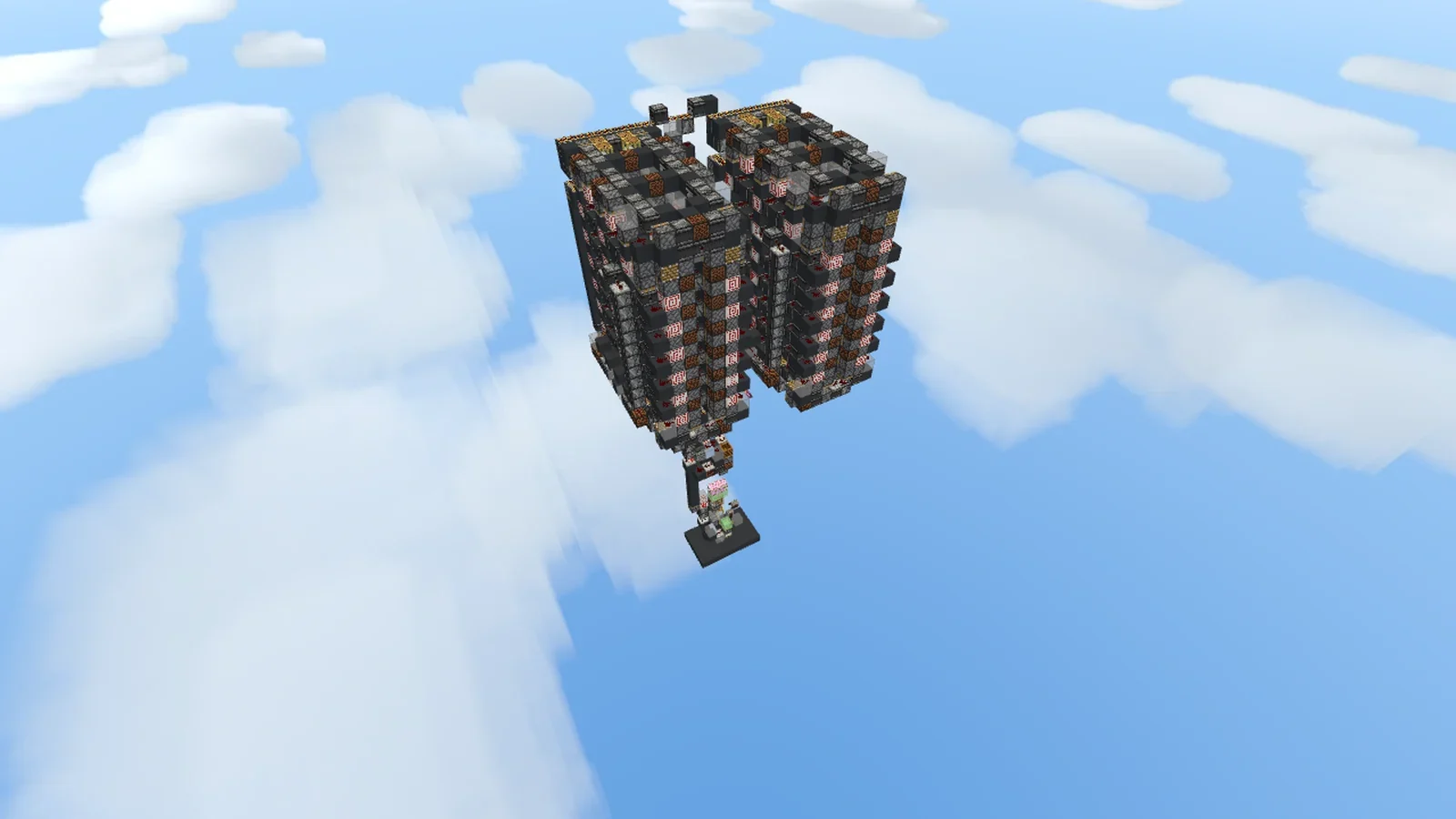
This build measures 21 × 49 × 16 and uses 641 blocks across 6 different block types, mostly tnt, soul sand, chest.
It is made for Minecraft Java Edition.
Build at a Glance
Dimensions21 × 49 × 16
Footprint336 blocks
Total blocks641
Block types6
EditionJava
File size709 B
DifficultyIntermediate
Blocks in this schematic
641 blocks totalPlaced blocks, not crafting ingredients. Overlapping regions are counted separately.
Tnt420
Soul Sand204
Chest10
Lava4
Furnace2
Redstone Block1
Frequently Asked Questions
What Minecraft version is Ender Pearl Cannon E87fb8e8 for?
Ender Pearl Cannon E87fb8e8 works on Java Edition. No specific version is listed, so it should load on most recent versions.
Do I need any mods to build Ender Pearl Cannon E87fb8e8?
The creator lists no required gameplay mods. On Java, Litematica can guide you as you build. On Bedrock for Windows, a structure block can place a .mcstructure download in Creative.
How many blocks does Ender Pearl Cannon E87fb8e8 use?
Ender Pearl Cannon E87fb8e8 uses 641 blocks across 6 block types, and measures 21 × 49 × 16. Use the materials list above to gather everything first.
How do I import Ender Pearl Cannon E87fb8e8 into Minecraft?
In Litematica (Java), put the .litematic in your .minecraft/schematics folder, open the Litematica menu in-game, load the schematic, and use the placement tools to build it block by block. In WorldEdit (Java), drop the .schem into your WorldEdit schematics folder and run //schem load then //paste. For Bedrock on Windows, choose Bedrock (.mcstructure) above and import the file with a structure block in Load mode. Builds must fit within 64 × 384 × 64 blocks (X × Y × Z).
Is Ender Pearl Cannon E87fb8e8 free to download?
Yes. All download formats are free, with no account required.
Ad
Comments